AliShopping v2.0.0.21 Released: Cleaner AliExpress Browsing + Link Handling Fixes
AliShopping v2.0.0.21 — What Changed
Quick answer: v2.0.0.21 is a stability release with four user-visible improvements: faster AliExpress link processing with no redirect delays, a 5-minute sessionStorage TTL eliminating repeated redirect loops, fixed SPA navigation that previously left the panel stale between product pages, and all in-app contact surfaces consolidated to cs.alishopping@gmail.com.
v21 went live on 2026-05-07. This is a stability and browsing-experience release — no new research features. Four changes, all user-visible, all targeting the AliExpress browsing friction that surfaced in v20 feedback.
Install AliShopping Tools free from the Chrome Web Store — if you already have it installed, Chrome will auto-update in the background.
1. Faster AliExpress Link Processing
The AliExpress affiliate-link redirect pipeline was rewritten in v21. In v20, the redirect ran a full round-trip on every AliExpress product link click — including links the current session had already processed. Under normal network conditions this added a brief delay. Under congested conditions or AliExpress CDN latency spikes, it showed up as a noticeable redirect wait before the product page loaded.
v21 trims the redirect chain by processing only the minimum required steps per link click, with session-level caching applied after the first visit. For most users on a normal connection, the redirect wait disappears entirely.
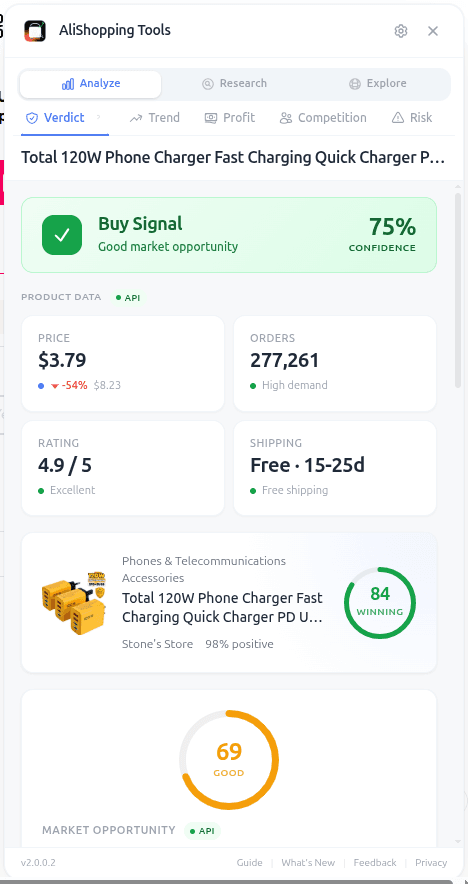
2. No Repeated Redirects — 5-Minute sessionStorage TTL
A structural issue in v20 caused the affiliate link redirect to fire every time you opened an AliExpress product URL — even if you had opened the same URL in the same tab session within minutes. For users who tab back and forward between product pages during a research session, this produced a redirect on every return visit.
v21 introduces a 5-minute TTL keyed to sessionStorage. If the same AliExpress product link has been processed within the last 5 minutes in the current tab session, the redirect step is skipped and the page loads directly. The TTL resets on session close, so fresh sessions always run the correct redirect flow.
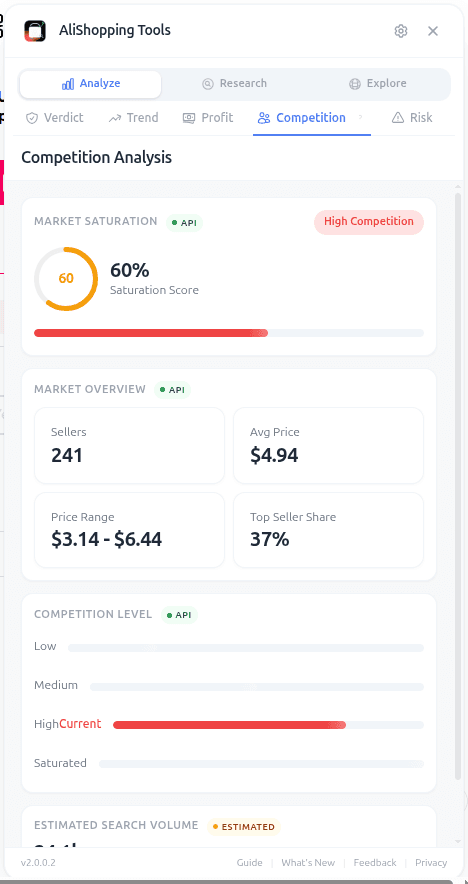
3. SPA Navigation Fix
AliExpress uses a single-page application architecture on category and search pages. Navigating between products does not trigger a full page reload. In v20, the content script did not always reinitialise correctly when SPA navigation moved from a listing page to a product detail page, leaving the Verdict, Profit, and Competition tabs in an empty or stale state until the user manually refreshed the tab.
v21 adds an explicit SPA navigation listener that triggers a clean panel remount on every AliExpress route change. No manual refresh required to get the research panel to populate after an in-page navigation.
4. Unified Contact Email
Previous versions surfaced two different contact addresses across the in-app feedback forms, the CWS listing, and support documentation — a legacy split from an earlier email migration that was never fully cleaned up. Some support messages sent to the old address went unrouted.
v21 consolidates all contact surfaces to a single address: cs.alishopping@gmail.com. If you previously sent feedback to a different address and did not receive a reply, resend to cs.alishopping@gmail.com.

[Source: AliShopping Tools v21 changelog, 2026-05-07]
What did not change
- No new Chrome permissions. The extension still requests only
storage. - No new research features, no new scoring changes, no new tabs.
- No pricing changes. The extension remains 100% free.
- The Verdict tab scoring methodology, Competition tab saturation signals, and Profit Simulator workflow are unchanged from v20.
How to update
Chrome auto-updates extensions in the background. To confirm the update applied: visit chrome://extensions, enable developer mode, click "Update", then check that the version shown on AliShopping Tools reads 2.0.0.21.
Install AliShopping Tools free from the Chrome Web Store — first-time install, one click, no account required.
What is next
v22 planning is open. The candidates carried forward from v20 — TikTok Shop deeper integration, Facebook Ad Library native access, and Shopify competitor A/B tracker — are still in scope. Feedback from the v20 NPS flywheel is being analysed; the results will determine which ships first.
Leave a feature request on the CWS listing or email cs.alishopping@gmail.com directly. Both land in the same backlog.
Product Tracker Free Beta
Track any AliExpress product’s real price, orders, stock & rating for 180 days. Data doesn’t lie. But discounts can.
Before you buy
Is this deal real? Check the price history before you buy.
Prices often spike just before a “sale.” See 180-day price history and fake discount detection — free, no account needed.
Verify on AliShopping Deals →Ready to find winning products?
Try AliShopping Tools — 15 free AI tools for product research.
Quick answers
Frequently Asked Questions
1What changed in AliShopping Tools v2.0.0.21?
V2.0.0.21 made four user-visible changes: faster AliExpress link processing with no more long redirect waits, a 5-minute sessionStorage TTL that eliminates repeated redirect loops in the same tab session, SPA (single-page app) navigation no longer leaves the panel stale between product pages, and all in-app support contact now routes to a single address — cs.alishopping@gmail.com.
2What was the redirect loop bug fixed in v21?
Previous versions sometimes triggered repeated redirect delays on the same tab session when navigating between AliExpress pages.
V21 introduced a 5-minute sessionStorage TTL that prevents the redirect from firing repeatedly within the same session, eliminating the loop and making browsing between products significantly faster.
3Did v2.0.0.21 add any new research features?
No.
V21 was a stability and browsing-experience release.
No new research features, permissions, or pricing changes were made.
The focus was on fixing AliExpress browsing friction that surfaced in v20 feedback — specifically redirect delays, SPA navigation stale panels, and fragmented support contact.
4How does SPA navigation fix in v21 help users?
On AliExpress, navigating from one product page to another without a full page reload (single-page app navigation) previously caused the AliShopping panel to show stale data from the previous product.
V21 detects SPA navigation events and refreshes the panel content automatically when you move between products.
Related Articles
More from the blog
AliShopping v2.0.0.20 Released: Shopify Feedback Flywheel + Full 16-Language Coverage
v2.0.0.20 ships segment-aware NPS + referral share for Shopify users, fixes a telemetry pipeline bug, and expands to 16 language locales.
How to Find and Use AliExpress Coupons & Promo Codes (2026 Guide)
AliExpress has 5 coupon types in 2026. Learn how to find, claim, and stack Store Coupons, Select Coupons, Promo Codes, and more for maximum savings.
How to Get a Refund on AliExpress (2026 Step-by-Step Guide)
Open a dispute on AliExpress within your buyer protection window for a full or partial refund. This guide covers every step, evidence tips, and common scenarios.