










AliExpress Extension Settings: Config Guide 2026
AliShopping Tools Settings — Configure Your AliExpress Chrome Extension
Quick answer: Open any AliExpress page, click the Settings tab in the AliShopping Tools panel, pick your currency, ship-to country, target markets and display language, then click Save. Settings are about locale, display and privacy — none of the analysis scores are user-adjustable. The Winning Score in particular is computed server-side on a fixed 0–100 scale that is the same for everyone.
Most people never open this tab, and that is fine: the defaults work. It matters in two situations — you are not selling into the US in USD, or you want to change what the extension stores about your usage.
This page is the reference for the Settings tab in the free AliShopping Tools Chrome extension, group by group, in the order they appear.
Accessing Settings
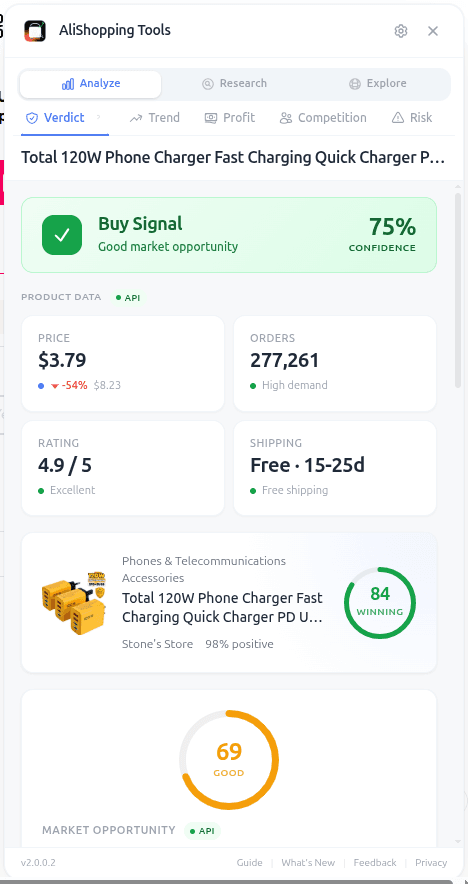
Open any AliExpress page, open the extension panel, click the Settings tab.
Changes are not saved automatically. The header shows an unsaved indicator as soon as you edit something, and you click Save to commit. Reset next to it restores the defaults for every group at once.
Locale
Sets the currency and country the extension uses when it asks for prices and shipping.
- Currency — default USD. Around eighteen currencies are offered (USD, GBP, CAD, EUR and the other majors). Prices across the panel display in this currency.
- Ship to Country — default US. Roughly forty-seven destinations. Shipping prices and availability are looked up for this country, so set it to where you actually ship if the defaults do not match.
Preferences
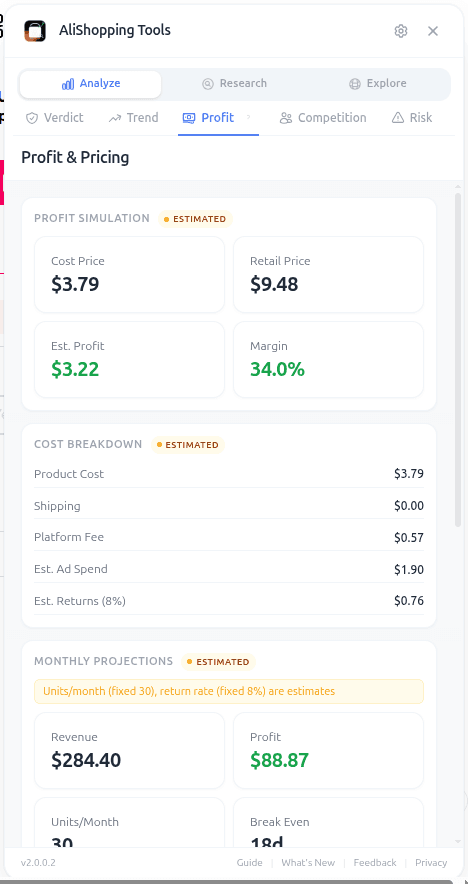
Market targeting. Each of these three is a multi-select capped at three choices, which keeps the lookups fast rather than pulling every market at once.
- Ship-to countries — up to three, chosen from a long market list. Default: US.
- Preferred currencies — up to three. Default: USD.
- Data languages — up to three. Default: EN. This is the language of the product data requested, not the interface.
If you sell into one market only, leaving all three at their single default is the right setup.
Behavior
Two toggles, nothing else in this group.
- Auto-detect products — on by default. The extension analyses the product you are on without you asking.
- Smart affiliate links — off by default. Turn it on if you want product links generated with affiliate parameters.
The panel's own source notes that a handful of other behaviour options (auto-open, panel position, compact mode) were pulled from this group because they are not implemented — so if you have read about them elsewhere, they are not in the shipping build.
Appearance
One setting.
- Display language — default English. Sixteen interface locales ship today: English, Spanish, Portuguese, Russian, French, German, Italian, Dutch, Turkish, Polish, Japanese, Korean, Thai, Vietnamese, Arabic and Hebrew. Arabic and Hebrew render right-to-left. This changes interface text only; AliExpress listing text stays in whatever language AliExpress served.
See live AliExpress data in your browser.
Seller trust score, 90-day price history, and live promo codes — on every AliExpress product page. No account, free.
Privacy and Data
Controls what the extension stores about your usage.
- Anonymous insights — a single toggle reflecting the consent choice you made when you installed the extension. Off unless it has been explicitly switched on. You can flip it either way here at any time.
- Methodology link — a short explainer next to the toggle, linking through to the full privacy policy.
- Clear tracking data — a button that wipes the tracking data the extension has stored locally. It is immediate, and it does not touch your settings.
There is no "local-only mode" and no separate telemetry-versus-analytics split. It is one consent toggle plus one clear-data button.
About
Version number for the build you are running, plus links to the website, the guide, the blog, the changelog, the privacy policy and the terms.
If you are filing a support ticket, the version string at the bottom of the tab is the thing worth quoting.
What is not in Settings
Worth stating plainly, because it is the most common misreading of the tab:
- No scoring thresholds. There is no minimum-score field, no margin filter, no saturation ceiling, no supplier-trust floor. The analysis tabs show you their scores; they do not gate a list against numbers you set.
- No alerts. The extension does not ship browser notifications — it does not even request Chrome's notification permission — so there are no daily-deal alerts, price-drop alerts or quiet hours to configure.
- No account section. The extension works without signing in, and Settings does not create or manage an account.
The Winning Score is a fixed 0–100 composite of seven weighted signals — demand potential, price attractiveness, product rating, social proof, visual appeal and shipping quality — with fixed bands: 75 and above reads High Potential, 50–74 Medium Potential, below 50 Low Potential. It is the same for every user and there is no per-user weighting.
Common settings scenarios
- Non-US operator: set Currency and Ship to Country to your market, then mirror them in Preferences.
- Selling into two or three markets: use the Preferences multi-selects — three is the cap per field.
- You prefer the panel in your own language: Appearance → Display language. Sixteen options.
- Privacy-first: leave Anonymous insights off and use Clear tracking data. The analysis tabs still work; they call the AliShopping API either way, so this controls stored usage data, not whether the extension talks to the network.
- Something looks wrong after experimenting: Reset, then Save.
FAQ
Do settings sync across devices? Settings are stored per browser profile in local extension storage, so a second machine starts at defaults. The privacy consent flag is the exception — it lives in Chrome's synced storage.
Can I change how the Winning Score is calculated? No. It is computed server-side and identical for everyone: a 0–100 composite of seven weighted signals, with bands at 75 (High Potential) and 50 (Medium Potential). There is no per-user weighting and no minimum-score setting anywhere in the extension.
Why do my changes disappear? You probably navigated away before clicking Save. The tab shows an unsaved indicator in the header until you commit.
How many display languages are there? Sixteen, including right-to-left Arabic and Hebrew. If yours is missing, ask via contact.
What does Reset actually reset? Every group in the tab, back to shipped defaults. Use Save afterwards if you then want to re-customise.
Install and configure for your workflow
The extension works at defaults for most users. The settings worth a minute of your time are currency, ship-to country and display language; the rest you can leave alone.
Install AliShopping Tools — Free on Chrome Web Store
For the full feature reference, see the tutorials on Verdict, Similar, Compare, and Daily Deals.
AliShopping Tools
See live AliExpress data in your browser.
Seller trust score, 90-day price history, and live promo codes — on every AliExpress product page. No account, free.
Product Tracker Free Beta
Track any AliExpress product’s real price, orders, stock & rating for 180 days. Data doesn’t lie. But discounts can.
Before you buy
Is this deal real? Check the price history before you buy.
Prices often spike just before a “sale.” See 180-day price history and fake discount detection — free, no account needed.
Verify on AliShopping Deals →Ready to find winning products?
Try AliShopping Tools — 15 free AI tools for product research.
Quick answers
Frequently Asked Questions
1How do I access AliShopping Tools settings?
Open any AliExpress page so the AliShopping Tools panel appears, then click the Settings tab.
The tab has six groups: Locale, Preferences, Behavior, Appearance, Privacy and Data, and About.
Changes are not saved automatically — an unsaved indicator appears in the header and you click Save to commit, or Reset to restore defaults.
2Can I set filter thresholds like minimum margin or supplier trust?
No.
The extension has no threshold settings of any kind — no margin filter, no saturation ceiling, no supplier-trust floor, no minimum-score field.
Settings covers locale, market preferences, two behaviour toggles, display language and privacy.
The analysis tabs show their scores; they do not gate lists against numbers you set.
3Can I turn off AliShopping Tools notifications?
There is nothing to turn off.
The extension does not ship browser notifications and does not request Chrome's notification permission, so there are no daily-deal alerts, price-drop alerts or quiet hours.
You see information when you open the panel, not before.
4Does AliShopping Tools support currencies other than USD?
Yes.
Settings > Locale > Currency offers roughly eighteen currencies including USD, GBP, EUR and CAD, and prices across the panel display in the one you pick.
Settings > Locale > Ship to Country covers about forty-seven destinations, which is what shipping prices and availability are looked up against.
5What privacy controls does the extension have?
Two, both in the Privacy and Data group: an Anonymous insights consent toggle, which is off unless it has been explicitly switched on and can be changed at any time, and a Clear tracking data button that wipes locally stored tracking data without touching your settings.
A methodology note links to the full privacy policy.
There is no local-only mode.
6How many interface languages does the extension have?
Sixteen, set under Settings > Appearance > Display language: English, Spanish, Portuguese, Russian, French, German, Italian, Dutch, Turkish, Polish, Japanese, Korean, Thai, Vietnamese, Arabic and Hebrew.
Arabic and Hebrew render right-to-left.
This changes interface text only — AliExpress listing text stays in whatever language AliExpress served.
7How do I reset AliShopping Tools settings to defaults?
Click Reset in the Settings tab header.
Every group returns to its shipped defaults in one action, and you can re-customise straight away.
Settings live in local extension storage per browser profile, so a second machine starts at defaults rather than inheriting yours.
Related Articles
- Free AliExpress Dropshipping Tools 2026: The $0 Stackcompare
- AliExpress Price Comparison: How to Find the Best Deal (2026)guides
- AliDropship Alternative 2026: Free AliExpress Researchcompare
- Helium 10 Alternative 2026: AliExpress Sourcing Gapcompare
- AliExpress Price Chart 2026: Track Price History on Any Product (Free Chrome Extension)misc
- AliExpress Find Similar Products — 5 Methods That Actually Work in 2026misc
Related Tools
More from the blog
Free AliExpress Dropshipping Tools 2026: The $0 Stack
Build a complete dropshipping research and fulfillment stack for $0. AliShopping Tools, DSers free tier, CJ Dropshipping, Google Trends, and more — compared honestly.
AliExpress Price Comparison: How to Find the Best Deal (2026)
The same AliExpress product appears at wildly different prices. Learn how to compare sellers, check price history, and find the lowest real price using free tools.
AliDropship Alternative 2026: Free AliExpress Research
AliDropship costs $89 one-time (WordPress only). AliShopping Tools gives you AliExpress price history, review breakdown & supplier search free — any platform.