
How to Stack AliExpress Promo Codes 2026 (Step-by-Step)
Quick answer: AliExpress supports stacking up to three discount layers on a single order: seller store coupons, sitewide platform codes (such as AFSO* or SS11*), and AliExpress coins. Collect seller coupons from the storefront before adding to cart, apply the platform code in the checkout coupon field, then redeem coins as a final step. AliShopping Tools auto-detects active codes on every listing. Install AliShopping Tools on the Chrome Web Store →
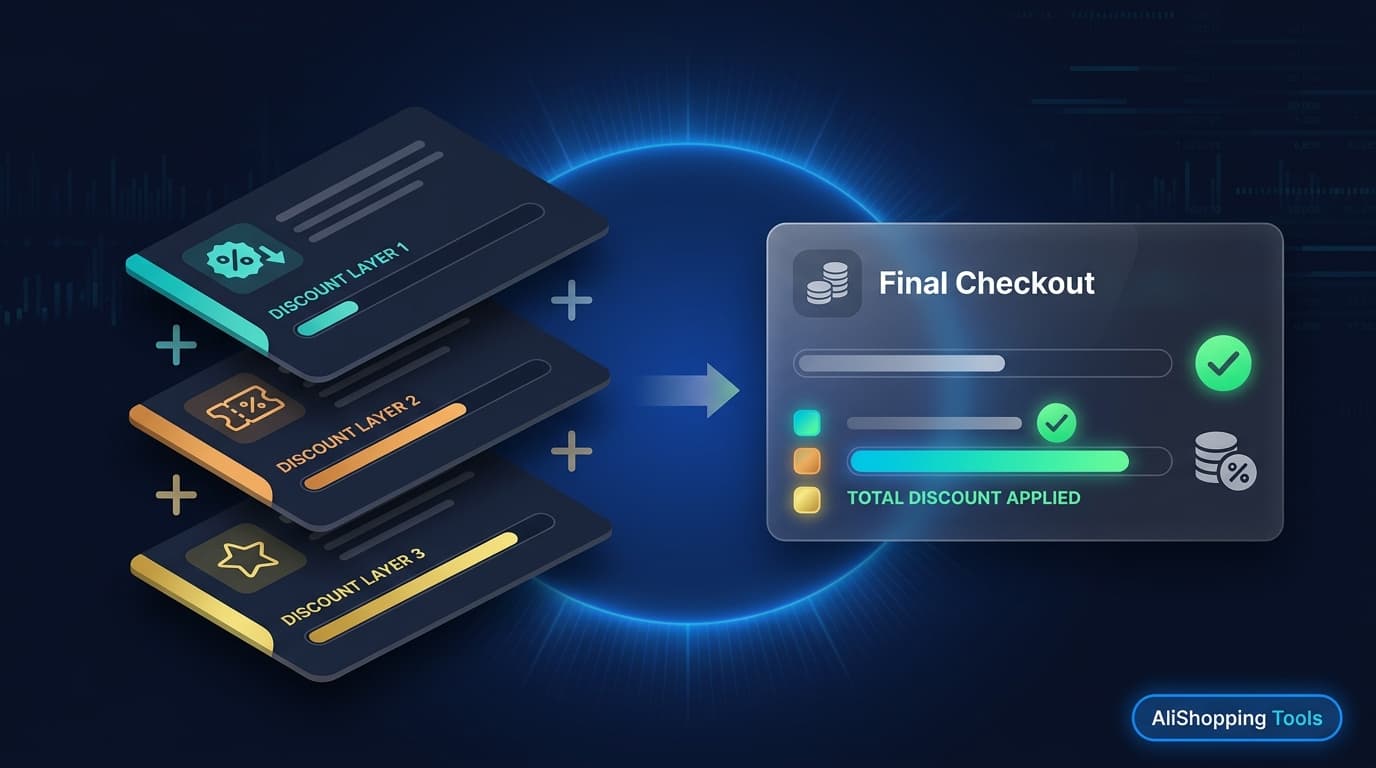
AliExpress has one of the most generous coupon stacking systems of any major marketplace — but it is not obvious how the layers interact. Many buyers apply a platform code and assume they are done, leaving seller coupons and coins unclaimed. Understanding how each discount type works independently, and how they combine, can realistically add $5–$15 in savings on a mid-sized order.
This guide covers all four discount types, the exact stacking sequence, which codes cannot be combined, and the most common mistakes that cause buyers to miss savings.
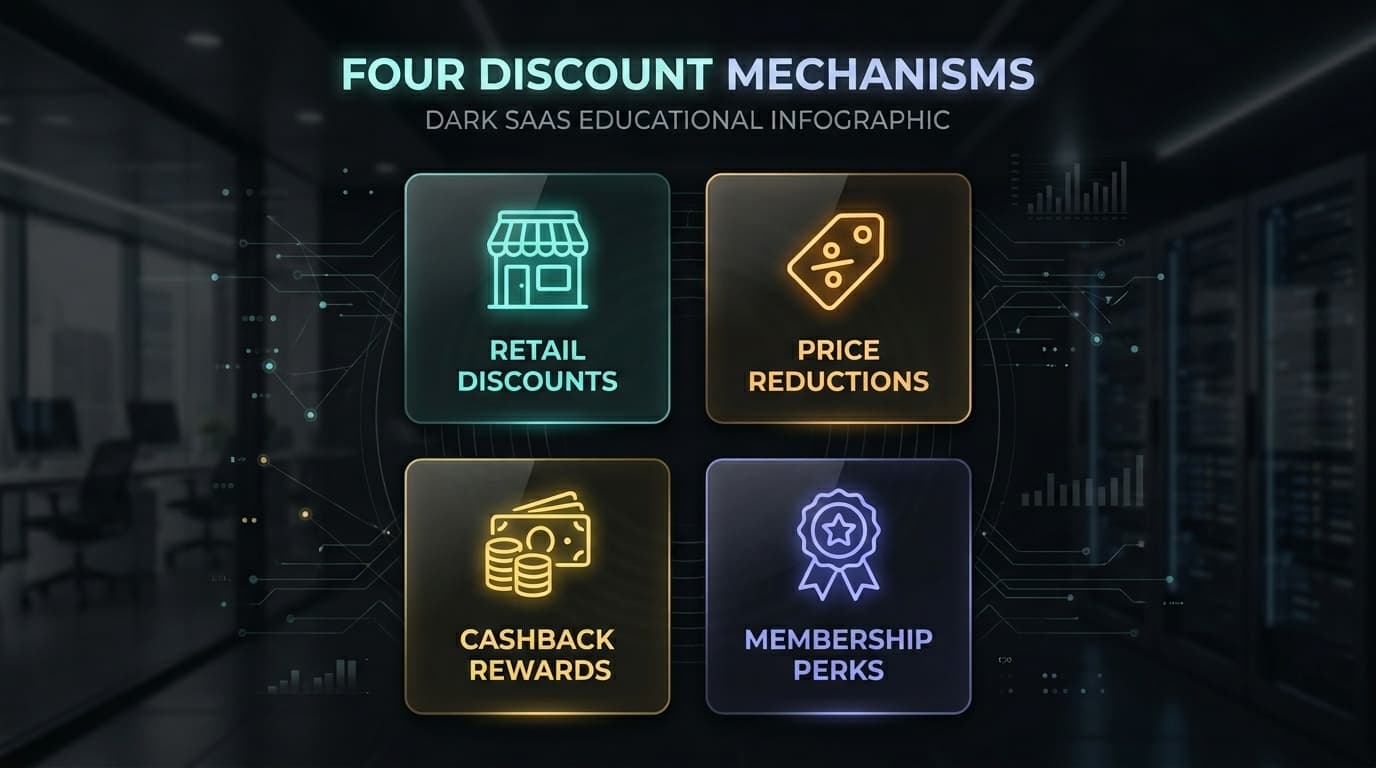
What Are the Types of AliExpress Promo Codes?
AliExpress has four distinct discount mechanisms that can apply to an order. Understanding each type is the foundation of effective stacking.
1. Seller store coupons. Individual sellers issue their own coupons — typically $X off orders above a minimum spend. These are funded by the seller, not AliExpress, and vary by store. They are collected from the seller's storefront or a banner on the product listing page. They stack with all other code types.
2. Sitewide platform codes. Issued by AliExpress directly. These apply across all (or most) categories. During sale events, the platform issues series-named codes like AFSO*, SS6FR*, SS11*, AFFAU* — each with multiple tier variants tied to spend thresholds (e.g. $3 off $20, $8 off $60, $20 off $150). Only one sitewide code can be applied per checkout.
3. AliExpress coins. Earned from previous purchases and promotional events. Coins are redeemed at checkout as a small percentage off the order total. They stack with both seller coupons and platform codes.
4. Select coupon (category-specific). Platform-issued coupons limited to specific product categories (e.g. "Phone Accessories Select Coupon"). These are collected from the AliExpress Coupon Center and apply only to qualifying category items. They stack with seller coupons but may conflict with sitewide codes — check the coupon description before applying.
How Does Code Stacking Work on AliExpress?
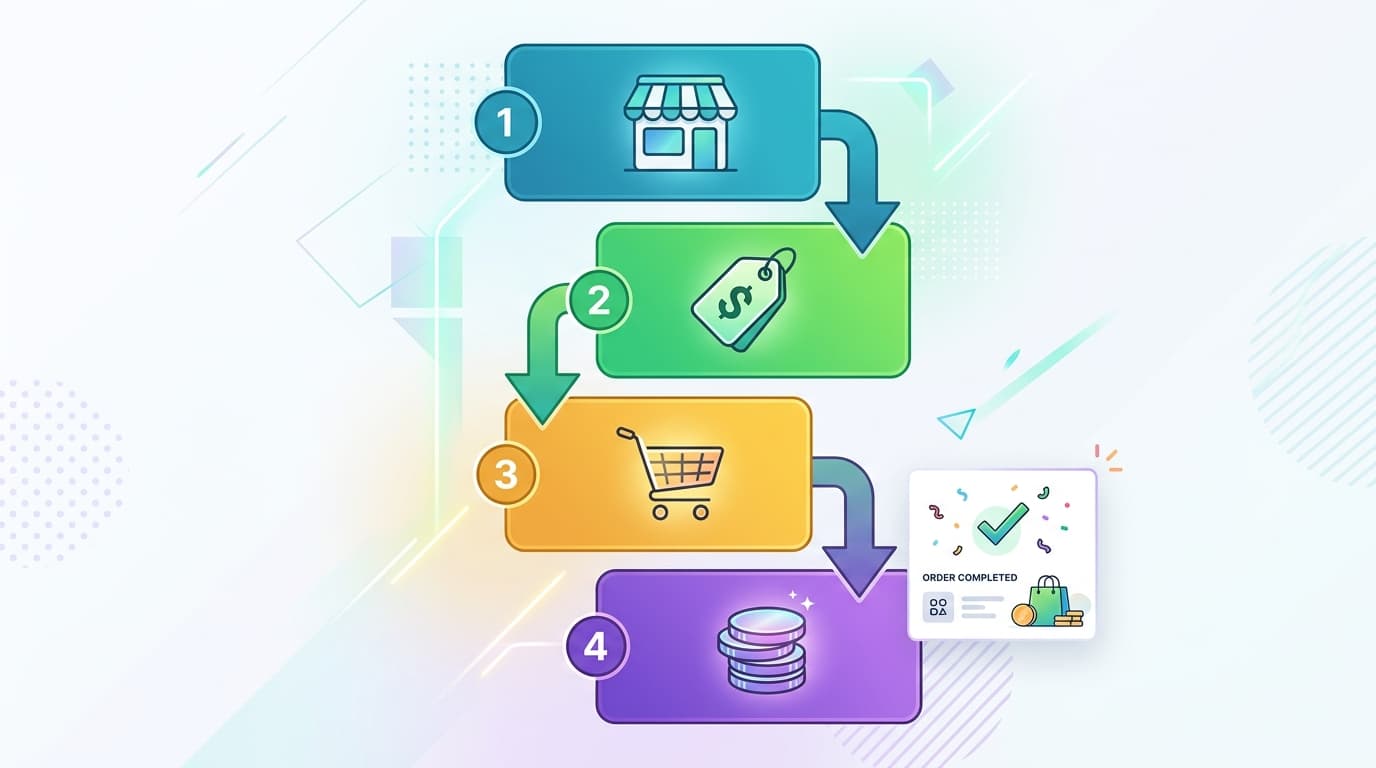
Code stacking on AliExpress works because seller coupons and platform codes are funded by different parties and processed in sequence. The platform applies them as separate line items at checkout, each reducing the order subtotal independently.
The stacking order is: seller coupon applied first (against the original price), then the platform code applied against the post-seller-coupon subtotal, then coins redeemed as a percentage of the remaining balance.
This means the order of collection matters: a seller coupon collected from the storefront must be linked to your cart before the platform code is entered at checkout — they do not retroactively combine.
Step 1: Find Your Seller Coupon
Seller coupons are not always visible on the product page. They are most reliably found on the seller's storefront.
Navigate to the product listing, then click the seller's store name to open their storefront. Look for a "Coupons" tab, a banner at the top of the storefront page, or a pop-up offering a discount. Common formats: "$2 off $15+ orders", "$5 off $30+ orders", "New follower coupon: $1 off".
Click "Collect" or "Get Coupon". The coupon is saved to your AliExpress coupon wallet. When you add a product from that seller to your cart, the coupon auto-applies at checkout.
Seller coupon timing tip: During sale warm-up windows (before 618, before 11.11), some sellers only activate their deepest coupons. Check again in the 2–3 days before the peak sale day — new coupon tiers sometimes appear overnight.
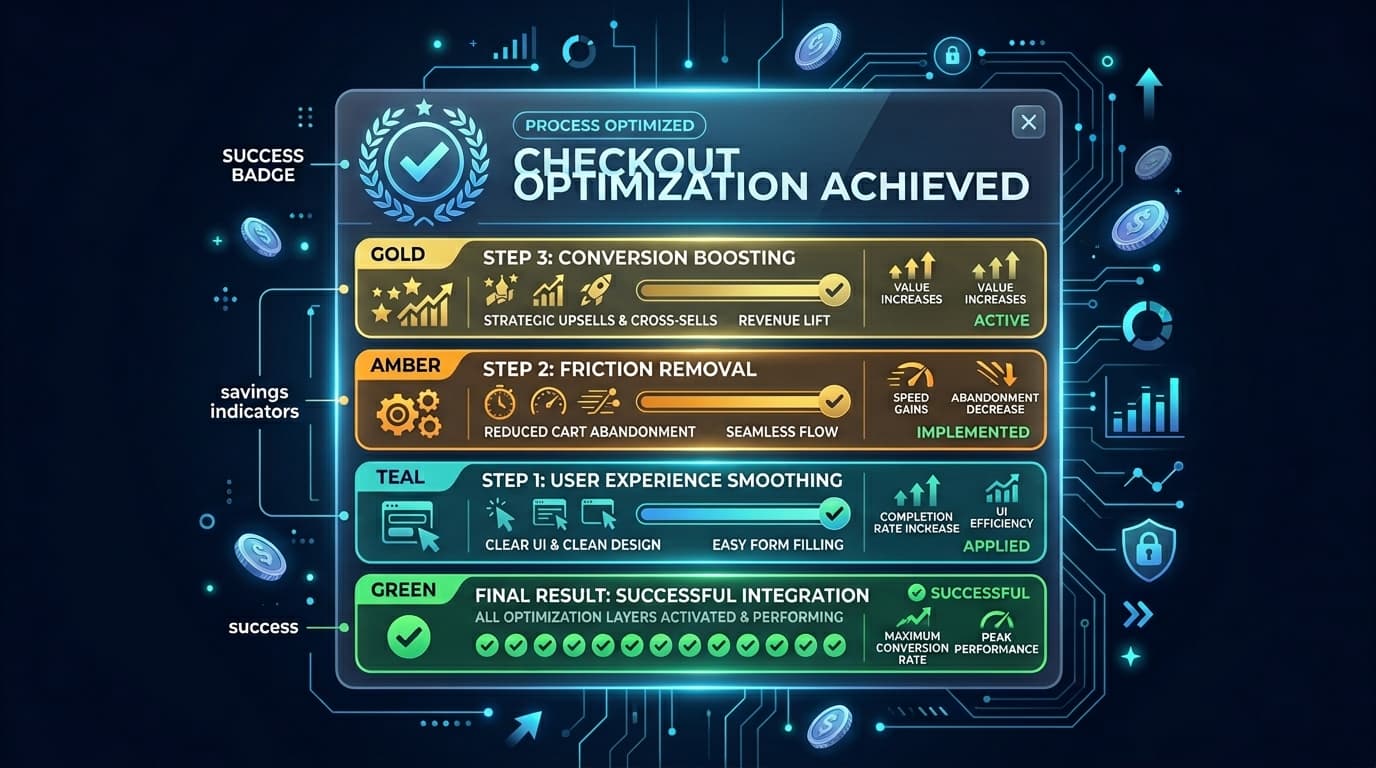
Step 2: Add Sitewide/Platform Coupon
Sitewide platform codes are the most widely advertised AliExpress discount mechanism. During sale events, AliExpress publishes code series — the exact string varies by tier and market.
How to find active platform codes:
- AliExpress home page and app banners often display current codes
- The AliExpress Coupon Center lists all collectible platform coupons
- AliShopping Tools detects and surfaces active platform codes directly on every AliExpress listing as you browse — no separate lookup required
Which platform code tier to pick: Each series has multiple tiers. Choose the tier whose spend minimum you will reach. Applying a high-tier code to an order below its minimum threshold will result in the code being rejected at checkout — it will not partially apply.
Regional codes: Some platform codes are market-specific. FYAU* codes apply only to Australian billing addresses. SS6FR* codes apply to French/Francophone market accounts. Using a regional code outside its market results in a "code not applicable" error.
Step 3: Apply at Checkout
The checkout is where all discount layers converge. The correct sequence:
- Add item(s) to cart (seller coupon should already be collected and will auto-show)
- Proceed to checkout
- Verify the seller coupon is shown in the "Seller Coupons" section — if not, return to the storefront and collect it, then re-open checkout
- In the "Coupon Code" field, enter your sitewide platform code
- Click "Apply" — the discount amount should show immediately
- If applying a Select coupon (category-specific), enter it in the same field or select it from the coupon wallet
Troubleshooting common checkout errors:
- "Code expired" — the platform code has passed its validity window; check for the current active series
- "Minimum spend not met" — your order subtotal does not reach the code tier minimum; add more items or use a lower-tier code
- "Code not applicable to these items" — some seller items or categories are excluded from platform codes; check the code's exclusion list
Step 4: Layer Coins Discount
AliExpress coins are the final stacking layer. After your seller coupon and platform code are applied, scroll to the coins section in the checkout page.
Coins exchange at a rate of 100 coins = approximately $0.10–$0.50 off (the rate varies by market and promotion period). The redemption percentage is capped per order — typically 2–5% of the final order value.
While coins are the smallest individual layer, they accumulate meaningfully over time. Buyers with 5,000+ coins can realize $5–$25 off a single order through coins alone.
How to earn coins faster: AliExpress distributes coins through daily check-ins (AliExpress app), promotional events (spin wheels, games during sale periods), and as post-purchase rewards.
Which Codes Stack? Which Conflict?
| Combination | Stacks? | Notes |
|---|---|---|
| Seller coupon + sitewide platform code | ✅ Yes | Standard stack — both apply independently |
| Seller coupon + coins | ✅ Yes | Coins apply after seller coupon |
| Sitewide platform code + coins | ✅ Yes | Coins apply after platform code |
| Seller coupon + sitewide code + coins | ✅ Yes | Full 3-layer stack |
| Two sitewide platform codes | ❌ No | One sitewide code per checkout only |
| Sitewide code + Select coupon (same category) | ⚠️ Sometimes | Depends on code terms — check exclusions |
| Seller coupon (Store A) + Seller coupon (Store B) | ✅ Yes | Per-store coupons apply per their respective items |
| Flash deal price + sitewide code | ⚠️ Sometimes | Flash deal items are often excluded from platform codes |
How to Find Working Codes (AliShopping Tools Auto-Detects)
The most common frustration with AliExpress promo codes is discovering that a code is expired, regional, or not applicable to your cart — after wasting time entering it at checkout.
AliShopping Tools solves this by detecting active codes automatically as you browse. When you open an AliExpress product listing, the extension surfaces:
- Active sitewide platform codes applicable to your market
- Seller store coupons for the current listing's seller
- Whether a coupon's spend threshold matches your current cart value
This means you see only codes that are verified active and applicable — not codes copied from a deal site that expired three weeks ago.
The extension also shows the 90-day price history on every listing, so you can verify that the "sale price" you are applying coupons to is actually lower than the historical baseline. Applying a 20% coupon to an inflated price that nets out to the original price is not a saving.
See the AliExpress sale calendar 2026 for upcoming sale events when the highest-value platform codes activate. Also check the promo code validity guide for understanding how long codes remain active.
Install AliShopping Tools on the Chrome Web Store →
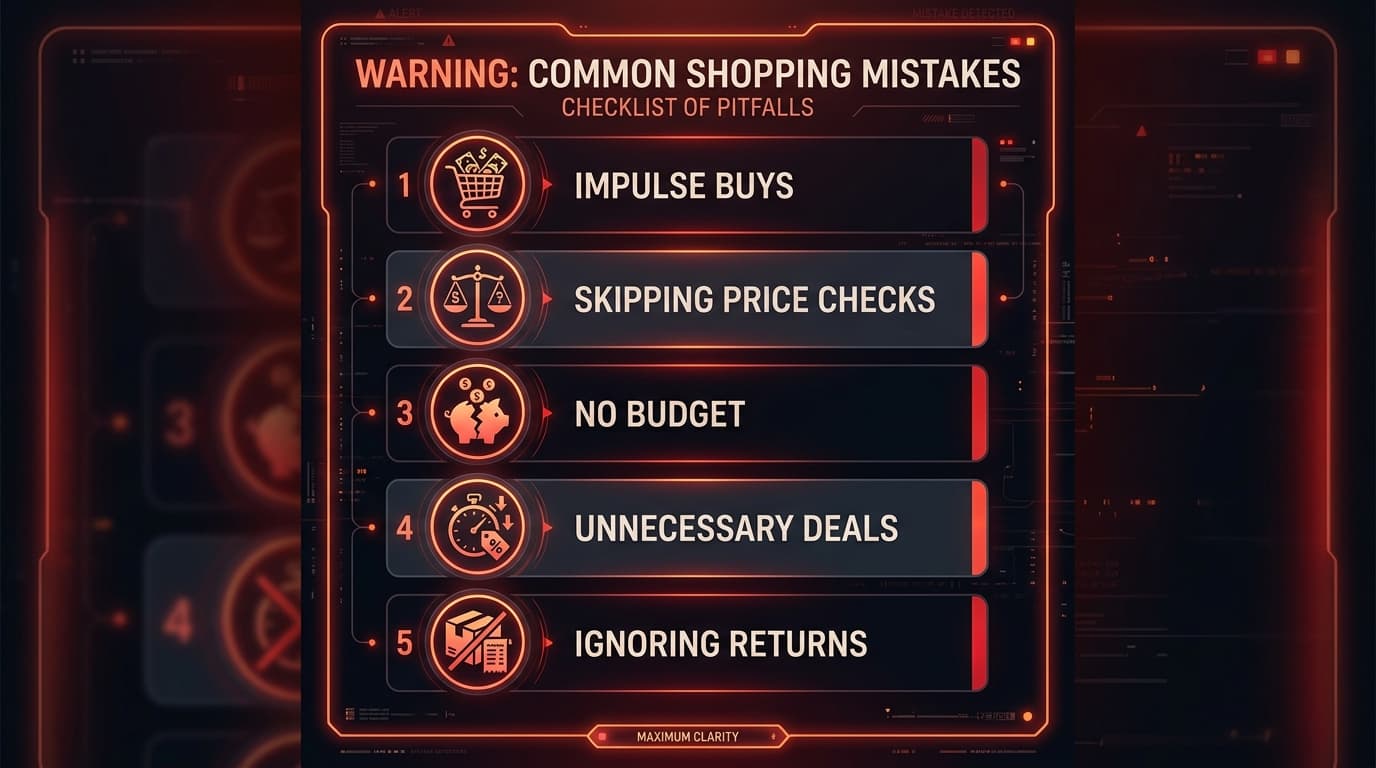
Common Mistakes That Kill Your Stacking Savings
Mistake 1: Collecting seller coupons after adding to cart. If you add to cart without collecting the seller coupon first, the coupon may not auto-apply. Always visit the storefront, collect the coupon, then add to cart.
Mistake 2: Using a code tier with too high a minimum. Applying a "$20 off $150" code to a $90 order results in a "minimum spend not met" error. Pick the tier you can actually meet.
Mistake 3: Applying a regional code in the wrong market. FYAU* codes only work for Australian addresses. SS6FR* only works for French/Francophone accounts. If you get a "not applicable" error on a regional code, it is almost certainly a market mismatch.
Mistake 4: Applying coupons to flash deal items. Many flash deal items are explicitly excluded from platform coupon codes. The exclusion is listed in the code's terms but not always prominently displayed. If a platform code fails on a flash deal item, this is usually why.
Mistake 5: Stacking coupons on an inflated price. Saving $8 on an item whose price was artificially raised by $10 before the sale means you are paying $2 more than the baseline. Always check the 90-day price history before stacking — the coupon saving must exceed any pre-sale price inflation.
Frequently Asked Questions
Can you use two promo codes on AliExpress at the same time?
You can stack one seller coupon (per seller in your cart) with one sitewide platform code and your AliExpress coins simultaneously. You cannot use two sitewide platform codes in the same checkout. Per-store seller coupons each apply to their respective seller's items, so multi-seller orders can have multiple seller coupons active at once.
How do I find the best AliExpress promo codes right now?
AliShopping Tools detects active platform and seller codes automatically as you browse AliExpress. For scheduled sale events, the AFSO* series is active during pre-sale warm-ups, and event-specific series (SS11* for 11.11, AFFAU* for Australian buyers) activate 1–2 weeks before each sale peak.
Do AliExpress promo codes work on every product?
Sitewide platform codes have exclusion categories — typically flash deal items, digital goods, and some electronics brands. Seller coupons apply only to products in that seller's store. Select (category-specific) coupons only apply to items in the designated category. Always verify applicability before checkout.
Why does my AliExpress promo code say "not applicable"?
The four most common causes are:
- 1regional restriction — the code is for a different market than your account's billing address;
- 2spend minimum not met — your cart is below the code's required minimum;
- 3excluded items — flash deals or ineligible categories in your cart;
- 4expired code — the validity window has passed.
How much can I save by stacking AliExpress coupons?
A typical mid-range order ($20–$50) with a seller coupon + platform code + coins can save $6–$15. On larger orders ($100+) during peak sale events, stacking all three layers can realistically save $20–$40. The primary variable is the platform code tier — during 11.11 and 618, the highest-tier codes offer the deepest savings.
Do seller coupons expire on AliExpress?
Yes. Seller coupons have validity windows, typically 7–30 days from collection. Check the expiry date in your AliExpress coupon wallet after collecting. During sale events, some sellers issue short-window coupons (24–48 hours) to create urgency.
AliShopping Tools
See live AliExpress data in your browser.
Seller trust score, 90-day price history, and live promo codes — on every AliExpress product page. No account, free.
Ready to find winning products?
Try AliShopping Tools — 15 free AI tools for product research.
Quick answers
Frequently Asked Questions
1Can you stack promo codes on AliExpress?
Yes.
AliExpress allows stacking one seller store coupon (per seller in cart), one sitewide platform code, and AliExpress coins simultaneously on a single order.
You cannot use two sitewide platform codes in the same checkout.
Per-seller coupons each apply independently when you have items from multiple stores.
2How do you stack AliExpress promo codes step by step?
Collect the seller coupon from the seller's storefront before adding to cart.
Add items to cart — the seller coupon auto-applies.
At checkout, enter your sitewide platform code (AFSO*, SS11*, etc.) in the coupon field.
Finally, redeem AliExpress coins as a percentage off the remaining balance.
All three layers reduce the total independently.
3Why is my AliExpress promo code not working?
The four most common causes:
- 1the code is for a different region than your account's billing address;
- 2your cart value is below the code's spend minimum;
- 3your cart contains flash deal items or excluded categories;
- 4the code has expired. AliShopping Tools surfaces only active, applicable codes so you avoid these errors automatically.
4Do AliExpress seller coupons stack with platform codes?
Yes.
Seller store coupons and sitewide platform codes are funded by different parties and apply in sequence at checkout.
The seller coupon reduces the price first; the platform code applies against the post-seller-coupon subtotal.
AliExpress coins then apply as a final percentage on the remaining balance.
5How do I find active AliExpress promo codes?
AliShopping Tools detects active platform and seller codes automatically as you browse AliExpress — no manual lookup needed.
The AliExpress Coupon Center lists all collectible platform coupons.
During sale events, the AFSO* series is active pre-sale; event codes like SS11* (11.11) and AFFAU* (Australia 618) activate 1–2 weeks before each event peak.
6Can I use AliExpress coins with a promo code?
Yes.
AliExpress coins stack with both seller coupons and sitewide platform codes.
They apply as the final discount layer at checkout, after all coupon codes have been applied.
Coins redeem at approximately 100 coins = $0.10–$0.50 depending on your market, with a per-order redemption cap of 2–5% of the order value.
7Do AliExpress promo codes have a daily usage limit per account?
AliExpress does not publish a fixed daily usage limit per account that applies to all promo codes — each code has its own individual usage limit (often one-time-use per account), shown when you view or claim it.
Check the specific code's own terms rather than assuming a platform-wide daily cap.
8Can I combine a seller coupon with a site‑wide flash‑sale discount and still apply my AliExpress coins?
You can generally stack one platform buyer coupon with one seller-specific store coupon and a shipping voucher on the same order, applied sequentially at checkout.
The exact combined-discount cap and stacking rules are enforced automatically by AliExpress and are not published as a fixed universal percentage — add your items to cart, apply the codes, and the checkout page will show the exact combined discount before you pay.
9Is there a way to see the highest-value AliExpress coupon available for a listing before checkout?
AliShopping Tools does not auto-apply coupons at checkout; it auto-detects live, currently-working AliExpress promo codes directly on the product page (and shows a price history chart so you can check whether a "sale" price is genuinely lower than the recent average), leaving the actual application of the code to you at checkout.
10Do AliExpress promo codes work on items shipped from the US warehouse versus overseas fulfillment centers?
Promo code eligibility depends on the specific code's own terms (which sellers, categories, or fulfillment routes it covers), not on a blanket rule about US-warehouse versus overseas listings.
Check whether the code applies to a given listing at the cart stage — AliExpress will show it there before you pay.
11How long does it take for an AliExpress coupon to become active after I claim it?
Most AliExpress coupons and codes activate immediately after you claim them and are usable in your next cart right away.
If a coupon isn't showing as applied, refresh your cart or check the coupon's own start-date terms — activation timing is set per coupon rather than following one fixed universal delay.
More from the blog
AliExpress Summer Sale 2026: Best Deals Buying Guide
AliExpress Summer Sale 2026: what to buy, which categories offer real discounts, how promo code stacking works, and how to spot inflated prices before you pay.
AliExpress EOFY Sale 2026 Australia: June Deals Guide
AliExpress EOFY Sale 2026 Australia: June 30 tax deadline, AFFAU* codes, 10% GST at checkout, and the best AliExpress categories for business deductions.
AliExpress 11.11 & Black Friday 2026: Sale Preview
AliExpress 11.11 runs Nov 1–11, Black Friday Nov 27–30. Which categories discount deepest, how to prep your wishlist, and which promo code series to watch.