The AliShopping Tools team builds the free AliExpress buyer-protection tools. Every data point is recorded first-hand — never pulled from seller claims.
Quick answer: Product Tracker records price, order volume, stock, ratings, and discount data every day for any AliExpress product you choose — for up to 180 days. Free during beta (20 products, login required). You see what actually happened, not what the seller says happened. Install AliShopping Tools on the Chrome Web Store
The "70% off" problem — and why price is only half the story
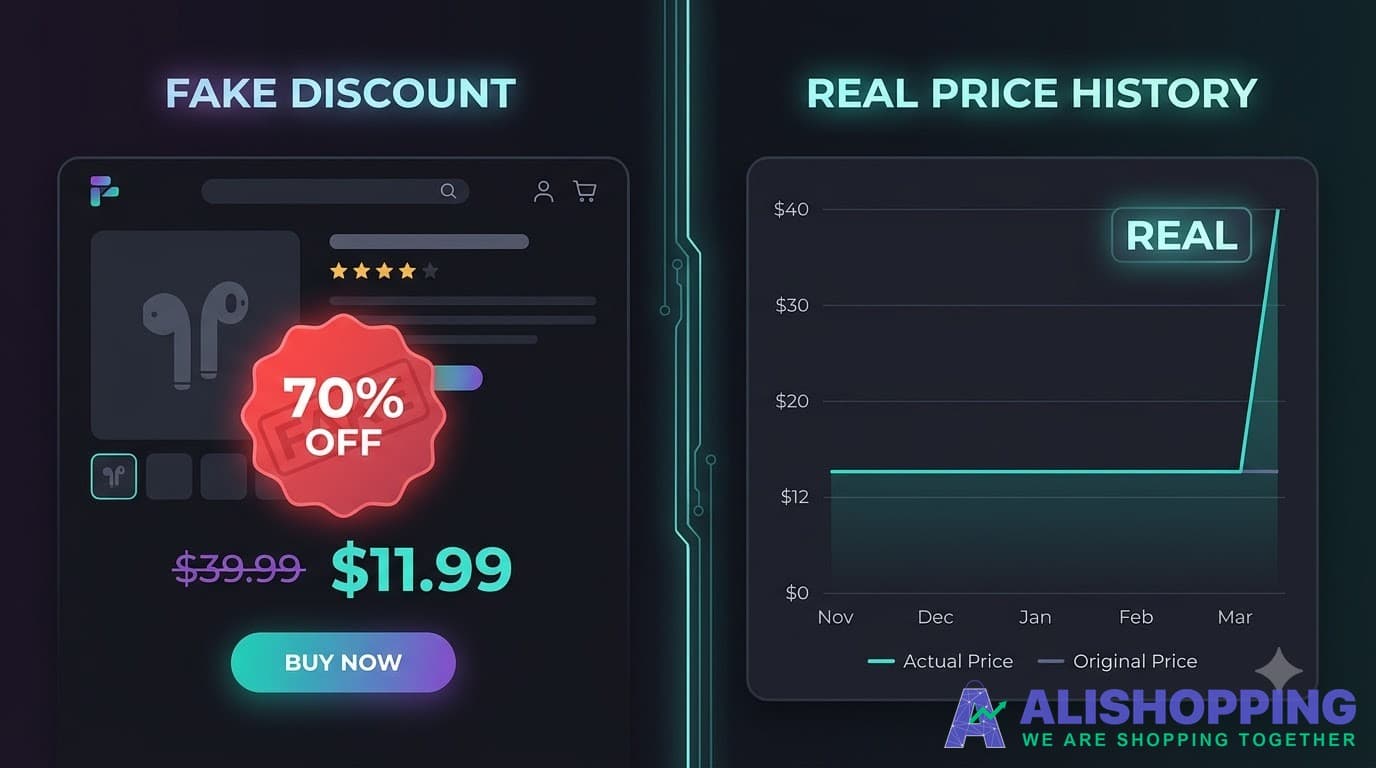
You find a wireless earbud case on AliExpress. The listing says $39.99 now $11.99 — "70% off, sale ends in 2 hours."
Your gut says: that original price was never $39.99.
You are probably right. But you have no way to prove it. AliExpress does not show you what the product cost yesterday, last week, or last month. The only price history on the page is the one the seller wrote.
Here is what actually happens before major sales: a product normally sells for $12. Two weeks before the event, the seller quietly raises the listed price to $35. On sale day, they "discount" it to $11.50. The badge reads "67% off." The countdown timer adds urgency.
You are paying roughly what the product always costs.
But fake discounts are only one trick. What about the product that is genuinely cheap — but nobody is buying it? What about the product with a great price but a rating that has been falling for two months? What about the item that goes out of stock every three weeks, so you never know if it will actually ship?
Price alone does not answer these questions. You need the full picture.
That is what Product Tracker gives you.
What Product Tracker actually tracks
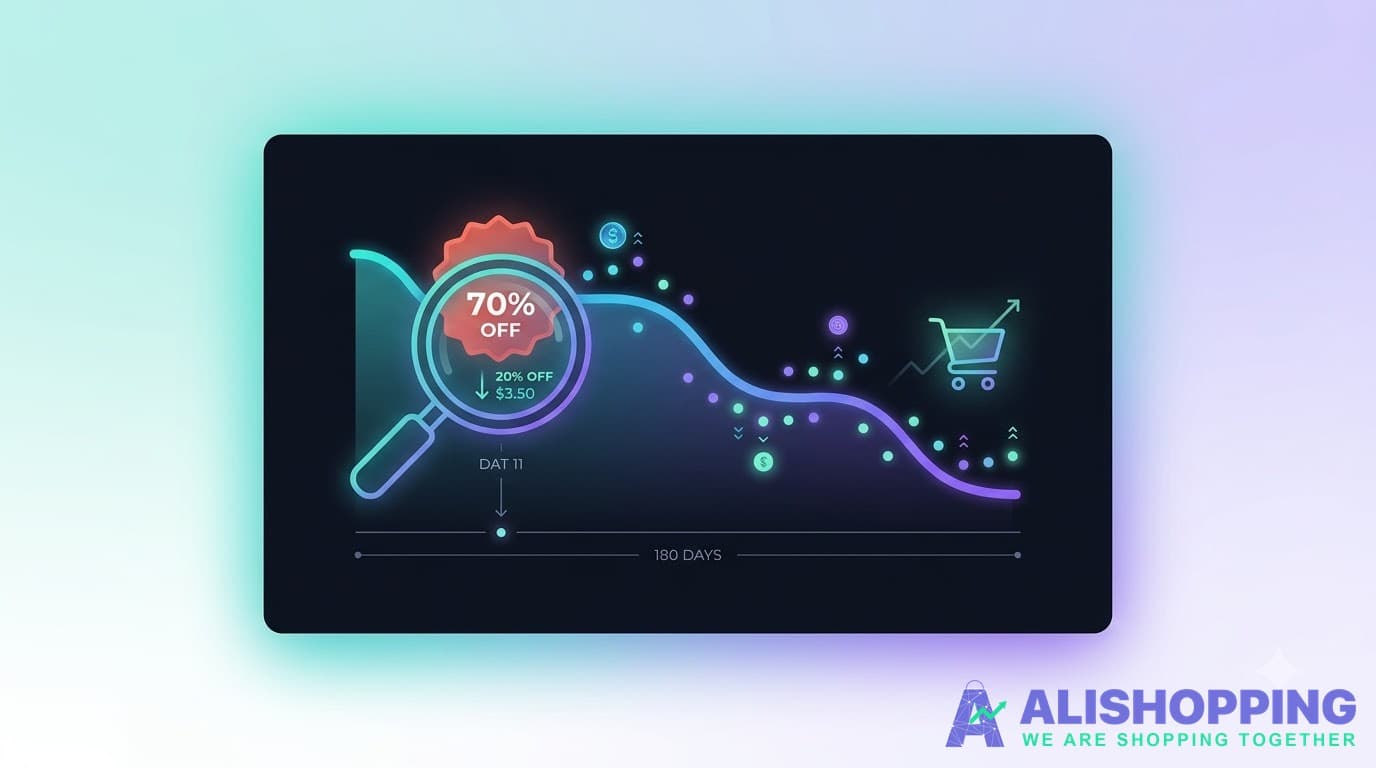
When you click "Track" on any AliExpress product, AliShopping starts recording six things — automatically, once per day, for up to 180 days:
1. Sale price and original price
The price you would actually pay today, and the price the seller claims it "used to" cost. Tracked separately, so you can see when the seller inflates the original price to manufacture a bigger discount.
2. Discount percentage
The actual calculated discount between sale price and original price. When the seller claims "70% off" but the real math says 12%, you will see it.
3. Order volume
How many people are buying this product over time. A healthy product shows steady or growing orders. A product with orders dropping week over week might be losing buyers for a reason — quality issues, shipping problems, or a better alternative appeared. Conversely, a sudden spike in orders often signals a genuine deal that other buyers found worth taking.
4. Stock availability
Is the product in stock today? Was it in stock last week? Some products go through cycles of being available and unavailable. If you are considering a purchase and the product has been out of stock three times in the past two months, that tells you something about the seller's reliability — or the product's actual availability.
5. Rating
The product's buyer rating, tracked over time. A product with a 4.8 rating today might have been at 4.2 two months ago (improving — good sign) or at 4.9 three months ago (declining — worth investigating). A single snapshot of a rating tells you almost nothing. A trend tells you whether buyers are getting happier or unhappier.
6. Category and shop context
What category the product belongs to and which shop sells it. This matters because pricing patterns differ by category — electronics tend to have deeper genuine discounts during sale events, while fashion items often have inflated "original prices" year-round.
Four ways real people use this
"Is this deal real?"
The scenario: It is 11.11 (AliExpress's biggest sale). You are looking at a pair of running shoes marked down from $89 to $27. The page says "limited time." The reviews look good. Everything pushes you toward clicking "Buy Now."
What Product Tracker shows you: The shoes have been $25-$29 for the past four months. The "original price" was $45 until two weeks ago, when the seller changed it to $89. The discount is cosmetic. The product is fine — but you are not getting a deal. You are paying the normal price with a bigger number crossed out above it.
What you do with that: Buy if you want the shoes at $27. Skip if you were only buying because you thought you were saving $62. Either way, you decided with evidence, not pressure.
Ready to see through the next 11.11 deal?Install AliShopping Tools — Product Tracker starts recording the moment you click Track.
"Should I buy now or wait?"
The scenario: You found a phone case for $8.40. You have been thinking about it for a week. A sale event is coming in 12 days. Should you wait?
What Product Tracker shows you: The price has been flat at $8-$9 for 60 days. During the last two sale events, it dropped to $7.20 for three days, then went back up. Order volume spikes during sales (other people grab it too), and stock ran out once during a previous sale.
What you do with that: If saving $1.20 matters, wait — but buy early in the sale before stock runs out. If you need it now, $8.40 is the real price and you are not overpaying.
"Is this product worth selling?"
The scenario: You run a small online store and you are considering adding an AliExpress product to your catalog. It looks popular, the margin seems workable, and reviews are decent.
What Product Tracker shows you: Order volume has been declining for six weeks. The rating dropped from 4.7 to 4.3 in the last month. Stock has been inconsistent — out of stock twice in three weeks. Demand signals point down across the board.
What you do with that: Pass. A product with falling demand, declining quality scores, and unreliable stock is not one you want to build your store around. You caught all of that before listing it, not after your first customer complaint.
"I want the full picture before I spend"
The scenario: You are about to spend $45 on a kitchen gadget — real money, not an impulse buy. You want to be sure.
What Product Tracker shows you: Price has been stable ($43-$47 range). Orders are steady at a healthy volume. Rating has been climbing slowly over three months (4.3 to 4.6). Stock has never run out. The discount is genuine — the original price has been consistent, not inflated.
What you do with that: Buy with confidence. Not because anyone told you to, but because six months of data says this product is exactly what it appears to be.
Why you need to log in (and why that is a good thing)
Product Tracker requires a free AliShopping account. Here is why — honestly:
Your data needs to live somewhere permanent. Browser extensions can be updated, reinstalled, or moved to a new computer. If your tracked products were stored only in your browser, one Chrome update could wipe months of price history. Your account means your data follows you — across devices, across updates, across reinstalls.
You control what you track. Logging in means your tracked products are intentional. You choose which products to follow. You can remove any product at any time. You can export all your data whenever you want. Nothing is tracked without your explicit action.
Your data stays yours. We do not sell your tracked product list. We do not share what you are tracking with sellers. We do not use your tracked products to show you ads. The data exists to help you make better buying decisions. That is it.
"Why do I need another account?"
You probably do not need "another account" in the way you are thinking. AliShopping login uses sign in with your Google account (one click, no new password to remember). If you already have a Google account — and you are using Chrome, so you almost certainly do — there is nothing new to manage.
Your tracked products are stored securely and tied to your account. Nobody else can see what you are tracking. We do not store payment information. We do not access your AliExpress account. The extension reads product information from the pages you visit — it does not log into anything on your behalf.
"What happens if I uninstall the extension?"
If you have an account: reinstall and log back in. Your data is waiting for you.
If you never created an account: your tracked products cannot be recovered after uninstalling. This is exactly why the login exists — it is the difference between data that survives and data that disappears.
Free beta — what you get right now
Free — no payment, no credit card, no trial that converts into a charge
20 product slots — enough to cover the items you are actively considering buying or selling
180 days of history per product — six full months, enough to see through multiple sale cycles
Six data points tracked daily — price, original price, discount, orders, stock, and rating
Export anytime — your data, your format (CSV or JSON), whenever you want it
Works automatically — you do not need to visit the product page for tracking to continue
Beta label — the feature is live and functional, but we are still improving it based on how people use it
What "beta" means
It means the feature works, you can rely on the data, and we are watching closely for anything that needs improving. It does not mean your data is at risk or that the feature might disappear. If anything changes about how Product Tracker works, we will tell you before it happens — not after.
What we will not do
We will not tell you to buy. We will not add fake urgency ("only 3 slots left!"). We will not hide the data behind a paywall during beta and then surprise you with a charge.
Product Tracker shows you what a product looks like over time — price, demand, stock, quality, and discount reality. What you do with that information is entirely your call.
That is the whole point. You have the evidence. You make the decision.