AliExpress Seller Check: How to Verify Trust Before You Buy (2026)
AliExpress Seller Check: How to Verify Trust Before You Buy (2026)
Quick answer: A trustworthy AliExpress seller has 95%+ positive feedback, a store open for 12+ months, 100+ orders in your product category, and a dispute rate under 3%. AliShopping Tools shows these trust signals directly on the product page — no storefront navigation needed. Install AliShopping Tools free →
The product looks right. The price looks right. The photos look real. But you have bought from AliExpress before, and you know that none of those things guarantee the seller behind the listing is reliable. Maybe you have had a smooth experience, maybe you have had a dispute that dragged on for three weeks. Either way, you are here because you want to know who you are actually buying from — not just what is in the photos.
This guide gives you a 60-second seller check that takes less time than re-reading the reviews for the third time. Five signals, free tools to speed it up, and clear rules for when to walk away.
What happened: A buyer was about to order a $38 smartwatch from a seller with 4.6 stars when she noticed the store had opened just six weeks earlier and had only 23 orders total across all products. The positive feedback looked good on the surface, but there was no track record for anything going wrong. She found a second seller with the same watch at $41 — open for 3 years, 95.8% positive feedback, and 1,100+ orders on that specific model. She paid the extra $3. The additional data made the decision feel straightforward.
[Scenario — realistic illustration, not a specific user]
Why Seller Verification Matters More Than Product Reviews
Product reviews tell you about the item. Seller verification tells you about the person shipping it to you.
A product can have 4.8 stars and 2,000 reviews — but if the seller behind it has a 91% feedback rate and a 6% dispute rate, those reviews may not reflect your experience. Different sellers list identical products from the same factory. The product is the same. The seller's reliability, shipping speed, and dispute handling are not.
What actually goes wrong with bad sellers:
- Wrong item shipped. The listing shows a blue wireless mouse. You receive a grey wired one. The seller offers a $2 partial refund instead of a replacement.
- Never shipped at all. Tracking shows "label created" for three weeks. The seller stops responding.
- Quality bait-and-switch. The first batch of reviews reflects a decent product. The seller switches to a cheaper manufacturer after building review volume.
- Dispute stonewalling. The seller declines your refund request repeatedly, hoping you give up before AliExpress intervenes.
None of these problems are visible in product reviews until after they happen to enough buyers. Seller verification catches them before your money is involved.
5 Things to Check Before Buying from Any AliExpress Seller
These five signals take less than 60 seconds to verify. Do this on every purchase above $10.
1. Positive Feedback Percentage
AliExpress displays a seller's positive feedback rate on their storefront page. This is the single most reliable trust signal available.
What the numbers mean:
- 97%+ — Excellent. This seller consistently delivers what buyers expect.
- 95-97% — Acceptable. Check recent reviews for patterns before buying.
- 90-95% — Elevated risk. At 92%, roughly 1 in 12 buyers had a problem worth reporting. The actual dissatisfaction rate is higher because most unhappy buyers never leave feedback.
- Below 90% — Walk away. This seller is actively losing buyer trust at a measurable rate.
A common mistake is treating 93% as "close enough to 95%." It is not. The gap between 95% and 93% represents a meaningful increase in the likelihood that something goes wrong with your order.
2. Store Age
Store age appears on the storefront as a founding year or "X-year store" badge.
- Under 3 months — High risk. No genuine track record exists yet. During sale events (11.11, 618, Summer Sale), new storefronts appear specifically because traffic spikes make it easier to accumulate orders before negative reviews catch up.
- 3-12 months — Moderate risk. Proceed with extra caution and order a low-value item first.
- 12+ months — Lower risk. The seller has survived at least one full dispute cycle and sale season.
- 2-4 years with 1,000+ orders — Lowest risk profile.
3. Order Count for Your Specific Product
This is the check that most buyers skip. A storefront might show "100,000 orders," but that is across all products. The specific item you want might have 12 orders and no real feedback.
Go to the product listing. Look at the order count and review count for that specific item. Fewer than 50 reviews on the exact product you want means the item is effectively unverified — even if the storefront is well-established.
4. Dispute Rate
The dispute rate appears near the feedback score on the seller's storefront.
- Under 3% — Normal. Expected for any seller processing volume.
- 3-5% — Elevated. Read recent negative reviews to understand what disputes are about. Shipping delays are less concerning than "wrong item" or "quality not as described."
- Above 5% — Red flag. A 5%+ dispute rate means the seller has a structural problem — not an occasional unlucky order.
5. Review Quality Signals
Not all reviews are equal. Check for these patterns:
- Photo reviews from real buyers — Genuine buyers post photos in natural lighting, showing the actual product in their hands. Stock-quality images or studio shots in reviews are suspicious.
- Review timing — Hundreds of reviews posted within a 2-week window suggest manipulation. Genuine reviews spread over months.
- Identical phrasing — If multiple reviews use the same sentence structure or exact wording, they are likely seeded.
- Star distribution — A healthy product has mostly 4-5 stars with occasional 3s and rare 1-2s. A product with only 5-star reviews and no 1-2 stars is statistically unlikely to be genuine.
Free Tools for AliExpress Seller Verification
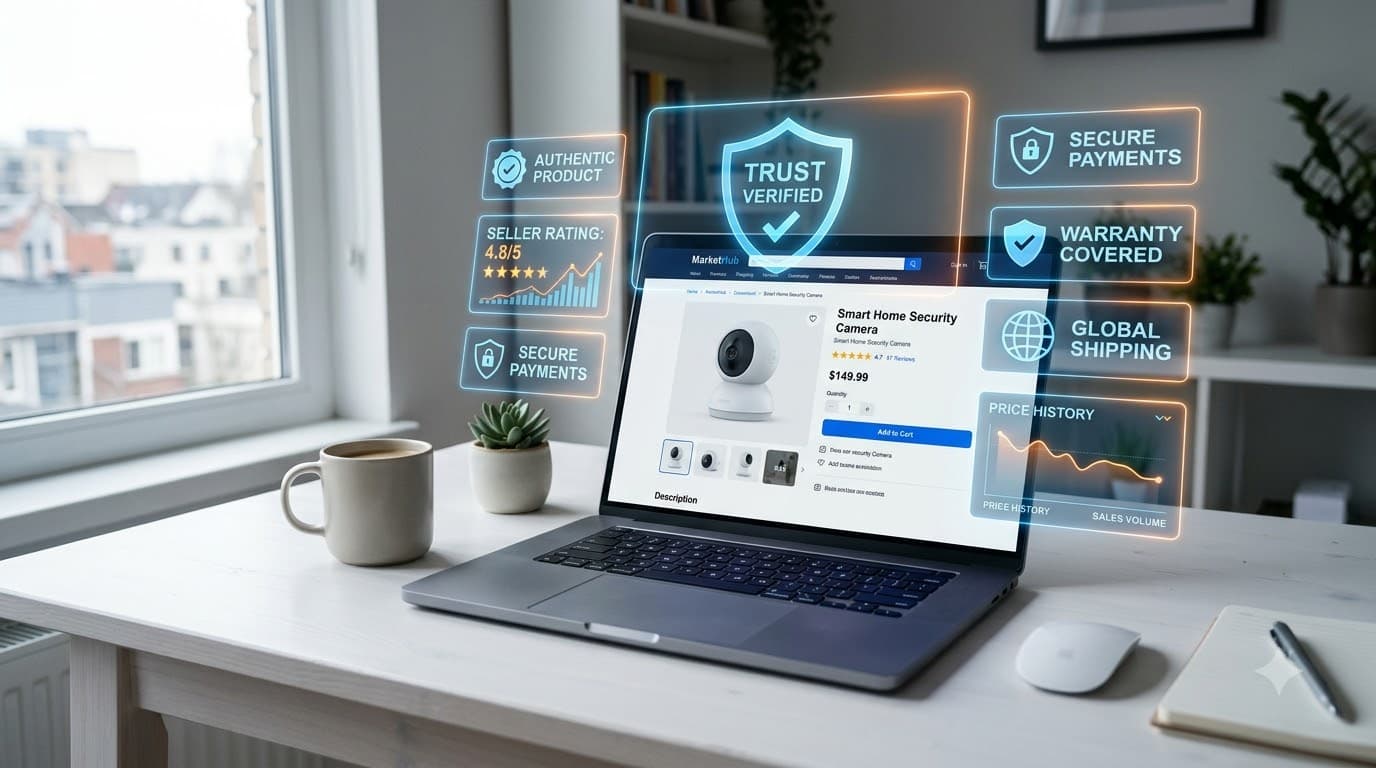
You can check all five signals manually by clicking through to the seller's storefront. It takes 3-5 minutes per seller. If you compare products from multiple sellers — which you should — that adds up fast.
Browser extensions speed this up by surfacing seller data directly on the product page.
AliShopping Tools (Free)
AliShopping overlays seller trust indicators on every AliExpress product page automatically. You see feedback score, store age, and risk signals without navigating to the storefront. The extension also includes a Risk tab that evaluates the product-seller combination across multiple dimensions — supplier rating, dispute rate, fulfillment patterns, photo authenticity, description accuracy, and price stability.
The Risk tab does not generate a single "safe/unsafe" label. It surfaces the individual risk dimensions so you can make your own judgment based on which risks matter for your specific purchase.
What AliShopping shows: Seller trust overlay, Risk tab with 6 dimensions, Verdict tab (Strong Buy / Buy Signal / Hold Watch / Pass).
What AliShopping does not have: A seller blacklist database, seller comparison across different products, or historical seller rating trends over time.
Install AliShopping Tools free →
AliTools
AliTools (400K+ users) also displays seller trust data and includes price history tracking and coupon features. For pure seller verification, both AliShopping and AliTools surface the core signals. AliTools is stronger on price tracking and coupon auto-apply. AliShopping is stronger on product evaluation scoring (Winning Score, Verdict, Risk Assessment).
Manual Methods (No Extension)
If you prefer not to install anything:
- Click the seller's name on any product listing to open their storefront.
- Note the feedback percentage, store age, and total order count on the storefront header.
- Return to the product listing and check the item-specific review count.
- Read the 1-star and 2-star reviews first — these reveal the actual problems.
- Reverse-image-search product photos using Google Lens to check if they are copied from another listing.
Red Flags: When to Walk Away
Some signals should end your evaluation immediately. No discount is worth the risk.
- New store (under 3 months) selling high-value electronics or branded goods. This is the most common profile for counterfeit and bait-and-switch sellers.
- Product photos that appear on dozens of other listings. If a reverse image search shows the same photos used by 20+ sellers, none of them took the photos — they are all reselling from the same factory gallery, and quality control varies wildly.
- Seller does not respond to pre-purchase messages within 24 hours. If they are unresponsive before you buy, expect worse after your money is committed.
- Heavily discounted branded items. A $300 product listed at $40 is not a deal. It is either counterfeit, defective, or will never ship.
- Review count dramatically higher than order count. If a product shows 500 reviews but only 200 orders, the math does not work — reviews are being seeded.
- All negative reviews mention the same structural issue. "Wrong size," "different color than pictured," or "stopped working after one week" repeated across multiple reviews is a product-level defect, not bad luck.
60-Second Seller Verification Checklist

Use this before every AliExpress purchase:
- Feedback score: 95%+ positive? If no, stop.
- Store age: 12+ months? If under 3 months, proceed only for items under $10.
- Product reviews: 50+ reviews on this specific item? If not, treat as unverified.
- Dispute rate: Under 3%? If above 5%, stop.
- Review quality: Photo reviews present? No review timing spikes? No identical phrasing?
- Price sanity: Is the price realistic for this product category? If it seems too good, it probably is.
All six checks pass? Proceed with reasonable confidence. One or more fail? Look for the same product from a different seller.
When the Seller Looks Good but You Are Still Unsure
Sometimes all the signals check out, but something feels off. In those cases:
- Order a low-value item first. If you are considering a $50+ purchase, buy a $5 item from the same seller first. Evaluate shipping speed, packaging quality, and communication.
- Use buyer protection. Always confirm that your order has AliExpress Buyer Protection active. This covers you for 15 days after delivery confirmation.
- Pay with a method that supports chargebacks. Credit cards and PayPal offer an additional layer of protection beyond AliExpress's own dispute system.
- Document everything. If a problem occurs, screenshots of the listing, the product you received, and your communication with the seller strengthen your dispute case.
Bottom Line
Checking an AliExpress seller takes 60 seconds. Filing a dispute takes weeks. The math is straightforward.
Look for 95%+ feedback, 12+ months of store history, real reviews on the specific product you want, and a dispute rate under 3%. Use a browser extension like AliShopping Tools — used by buyers in 50+ countries, completely free — to see these signals without leaving the product page. Or check manually on the seller's storefront.
The sellers worth buying from make it easy to verify. The ones who do not are telling you something.
Reviews look good but you're still unsure? Learn to spot manipulated reviews with our AliExpress Fake Review Checker guide — 5 red flags and a 60-second verification workflow.
Related guides:
- How to Check If an AliExpress Seller Is Trustworthy — deep dive on the four core trust signals
- How to Check AliExpress Supplier Reliability — supplier vetting for repeat orders
- How to Read a Risk Assessment on AliExpress — understanding the 6-dimension risk tab
Sẵn sàng tìm sản phẩm thắng?
Thử AliShopping Tools — 15 công cụ AI miễn phí cho nghiên cứu sản phẩm.
Giải đáp nhanh
Câu hỏi thường gặp
1How do I know if an AliExpress seller is trustworthy?
Check four signals: positive feedback rate (95%+ is the floor), store age (12+ months preferred), order count on the specific product you want (50+ reviews minimum), and dispute rate (under 3% is normal, above 5% is a red flag).
AliShopping Tools overlays these trust indicators directly on AliExpress product pages for free.
2Is there a free tool to check AliExpress sellers?
Yes.
AliShopping Tools and AliTools both display seller trust data for free as Chrome extensions.
AliShopping shows a seller trust overlay plus a Risk tab with 6 dimensions (supplier rating, dispute rate, fulfillment speed, photo authenticity, description accuracy, price stability) on every product page.
No signup or account needed.
3What is a good seller rating on AliExpress?
95% positive feedback or higher is the minimum for a trustworthy seller. 97%+ is excellent.
Below 90% is high risk — at that level, roughly 1 in 10 buyers reported a problem, and the actual dissatisfaction rate is higher since most unhappy buyers never leave feedback.
4What are the biggest red flags for AliExpress sellers?
The clearest red flags are: stores under 3 months old selling high-value items, heavily discounted branded products (a $300 item at $40 is almost certainly counterfeit), review count higher than order count, all negative reviews mentioning the same structural issue, and sellers who do not respond to pre-purchase messages within 24 hours.
5How long should I wait before trusting a new AliExpress store?
Stores under 3 months have no meaningful track record.
Between 3-12 months, proceed with caution and consider a small test order first.
Stores open 12+ months with 95%+ feedback and real reviews in your product category are the lowest-risk option.
During major sale events, new storefronts appear specifically to capture traffic before negative reviews accumulate.
Bài viết khác
How to Check If an AliExpress Seller Is Trustworthy (Buyer's Guide 2026)
Check any AliExpress seller's trust score in 30 seconds: feedback %, store age, dispute rate, and order count. A step-by-step buyer guide for 2026.
AliExpress Buyer's Guide for Pakistan 2026
Complete guide for Pakistani buyers on AliExpress: which bank cards work, how long shipping takes, customs thresholds, and how to verify sellers before buying.
Is AliExpress Safe? Complete Buyer Guide 2026
AliExpress is safe for buyers who verify the seller before purchasing. Here's the complete 2026 guide: how to check seller trust signals, payment safety, buyer protection policy, and what AliShopping shows automatically.